Install with one line
On any robot, from the one on your bench to a fleet across the world. It appears in your fleet view in minutes. No OS swap, no re-packaged images, no infrastructure project.
You getA robot in your fleet view within minutes.
// For teams building robots
One command ships software to any robot. CI runs on real embedded hardware. Your fleet lives in one view. Nothing to rewrite.
Trusted by
Backed by
The problem
Robotics teams keep hitting the same five infrastructure problems. Each one slows down how fast the robot itself can improve.
Your engineers rebuilt a deploy tool from scripts and docker pull. It worked for five robots. At fifty it fails at 2 a.m.
CostEngineers up at 2 a.m.
A one-line fix means a 12GB image over LTE. The layer drops at 80% and starts from zero. Your LTE bill notices before you do.
CostHours of retries and data overages
Your CI passes on x86. The robot runs a Jetson. You find out what broke when it is 600 miles away.
CostBugs found by customers
Three people know which scripts to run and which errors to ignore. One of them is interviewing.
CostOne resignation from a stalled fleet
The infrastructure backlog is a page long. It is also everyone's third priority, forever.
CostEvery release gets slower
Cloud and IoT tools weren't made for robots, so every team patches them together and the next team starts over. We're building the shared layer instead.
How it works
01/05
On any robot, from the one on your bench to a fleet across the world. It appears in your fleet view in minutes. No OS swap, no re-packaged images, no infrastructure project.
You getA robot in your fleet view within minutes.
An OS image, a container, a file tree, a model. Only the changed bytes move, compressed, and directly to the robot in front of you if that is where it is.
You getA one-line change delivered as megabytes, not gigabytes.
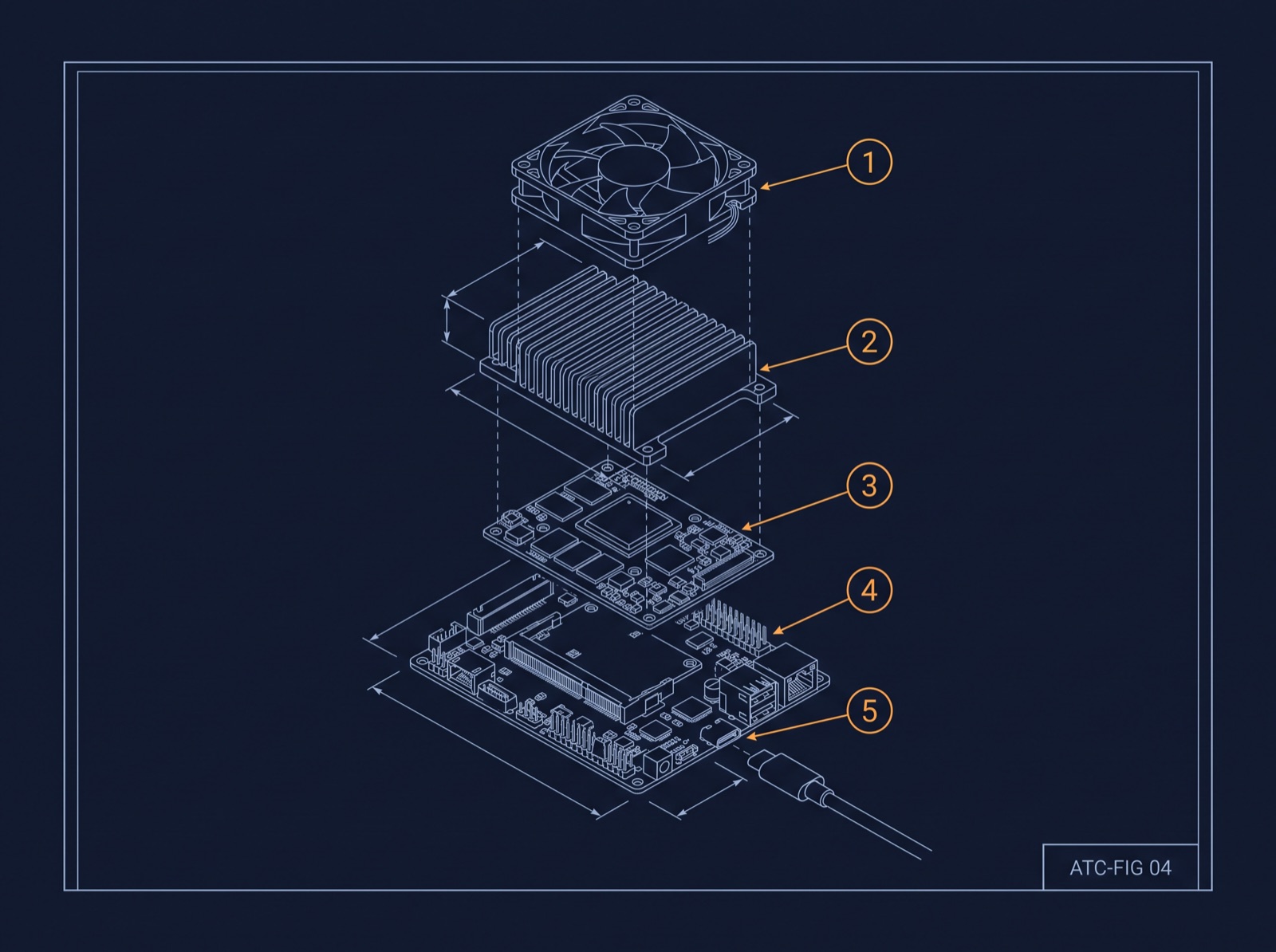
Point your existing GitHub Actions or GitLab pipeline at hosted Jetson runners and catch target-hardware bugs before they leave the lab.
You getBugs found on the bench, not by a customer.
Group, channel, version, or anything you can query, with calibration and config matched to each machine and approval chains for anything headed to a customer.
You getThe right build and calibration on every robot.
Every robot reports what it runs and when it changed. Several versions stay staged on the machine, and switching back is one atomic step.
You getA known-good version one step away, always.
$ curl -fsSL https://get.agencytool.com | shinstalling atc-agent 1.8.2 … okregistering bench-01 → fleet/lab … ok✓ ready in 41s · no OS changes · no image rebuild
$ atc ota push v2.14.3 user@bench-01comparing v2.14.2 → v2.14.3 (oci image, 9.8 GB)computing byte-level delta …
sent 11.2 MB over the bench link · 3.1shook: systemctl restart robot.service✓ v2.14.3 running · v2.14.2 kept for rollback
Readouts
A 10GB image update over a 10 Mbps link drops from hours of retries to under ten minutes, because 95% fewer bytes move.
Launch partners report reclaiming roughly one engineer-day per week that used to go to babysitting installs, debugging failed transfers, and reconciling the version spreadsheet.
With one-step rollback and full deployment history, operations teams stop blocking updates. One partner went from a fleet update every six weeks to every week within two months.
Already convinced?
In the field
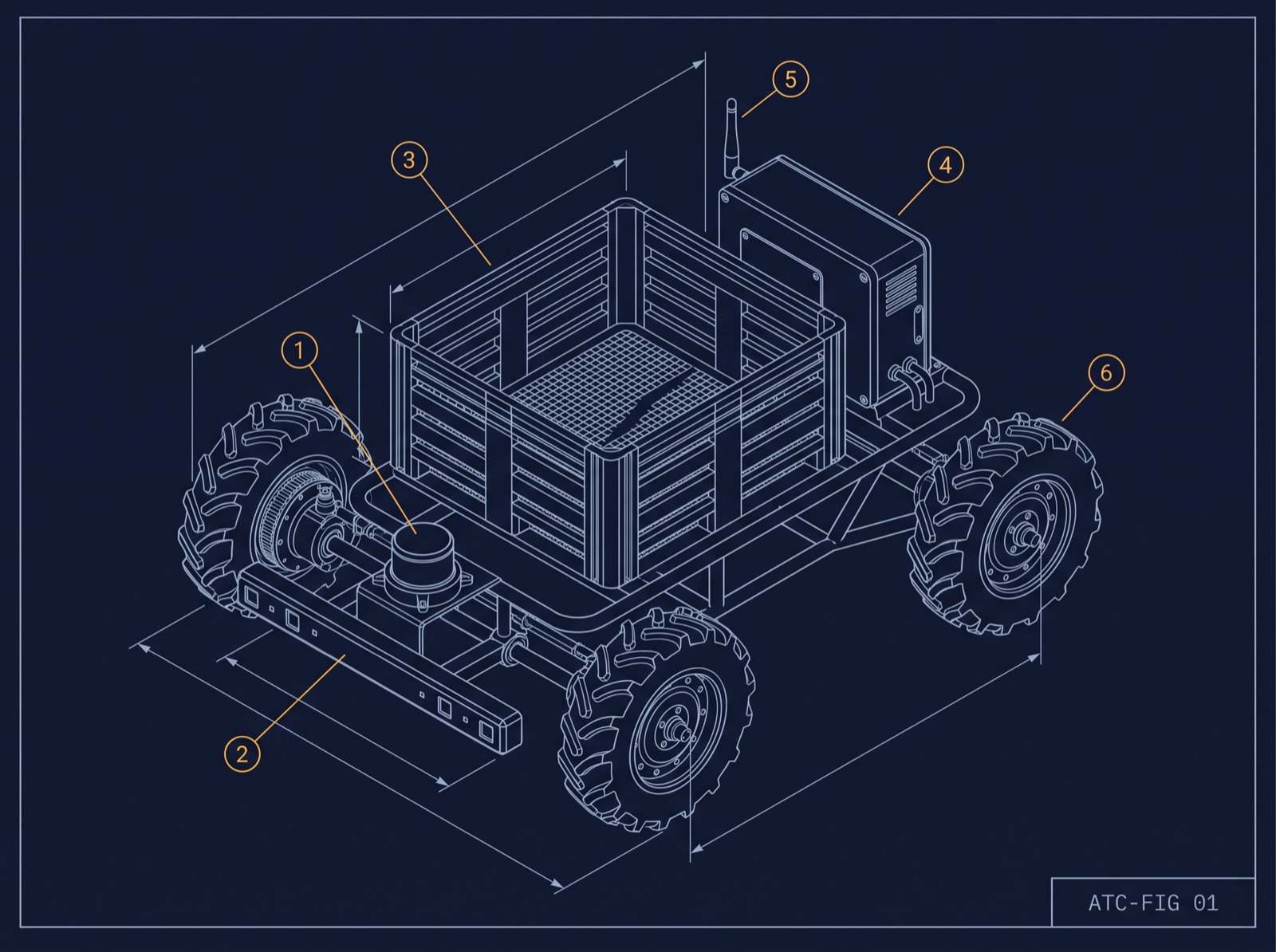
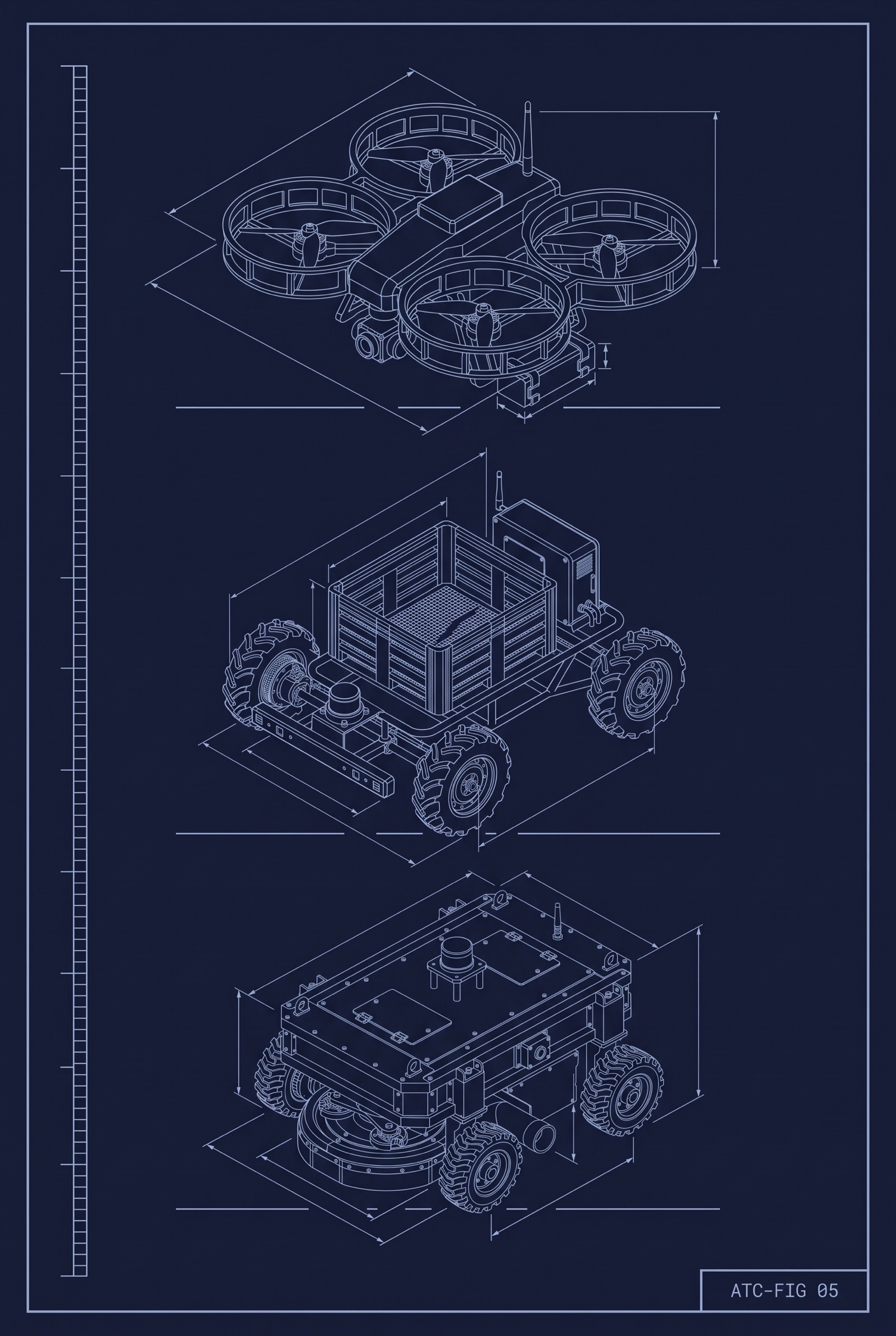
More than 750 robots working alongside people in orchards and vineyards, most on marginal LTE. Before: updates were scheduled around coverage maps and customer availability. After: resumable delta updates land overnight without moving a single robot.
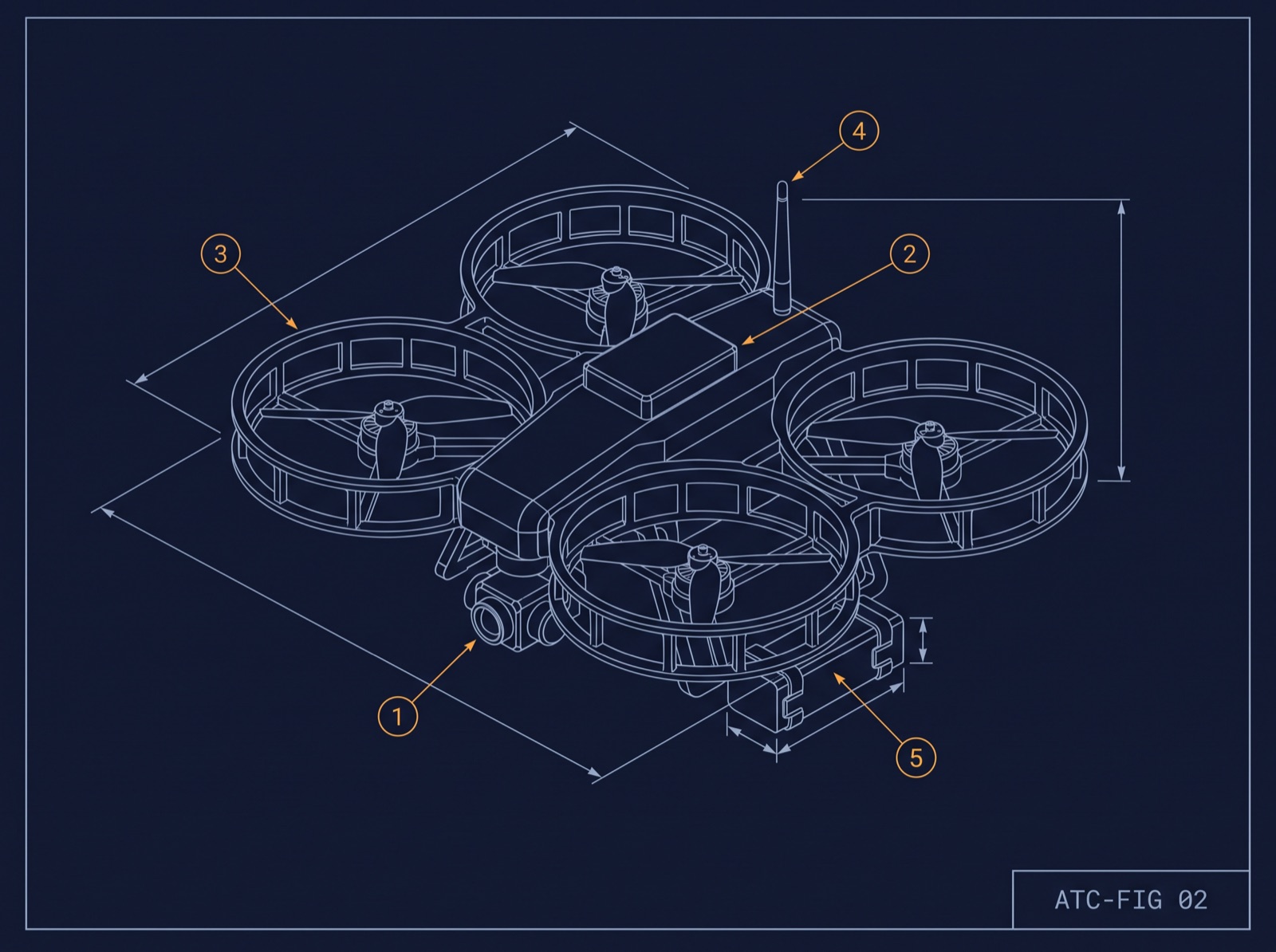
Drones counting inventory at 99.9% accuracy on shared warehouse WiFi. After: updates queue, resume, and activate between flights, so the fleet stays on one version without anyone chasing it.
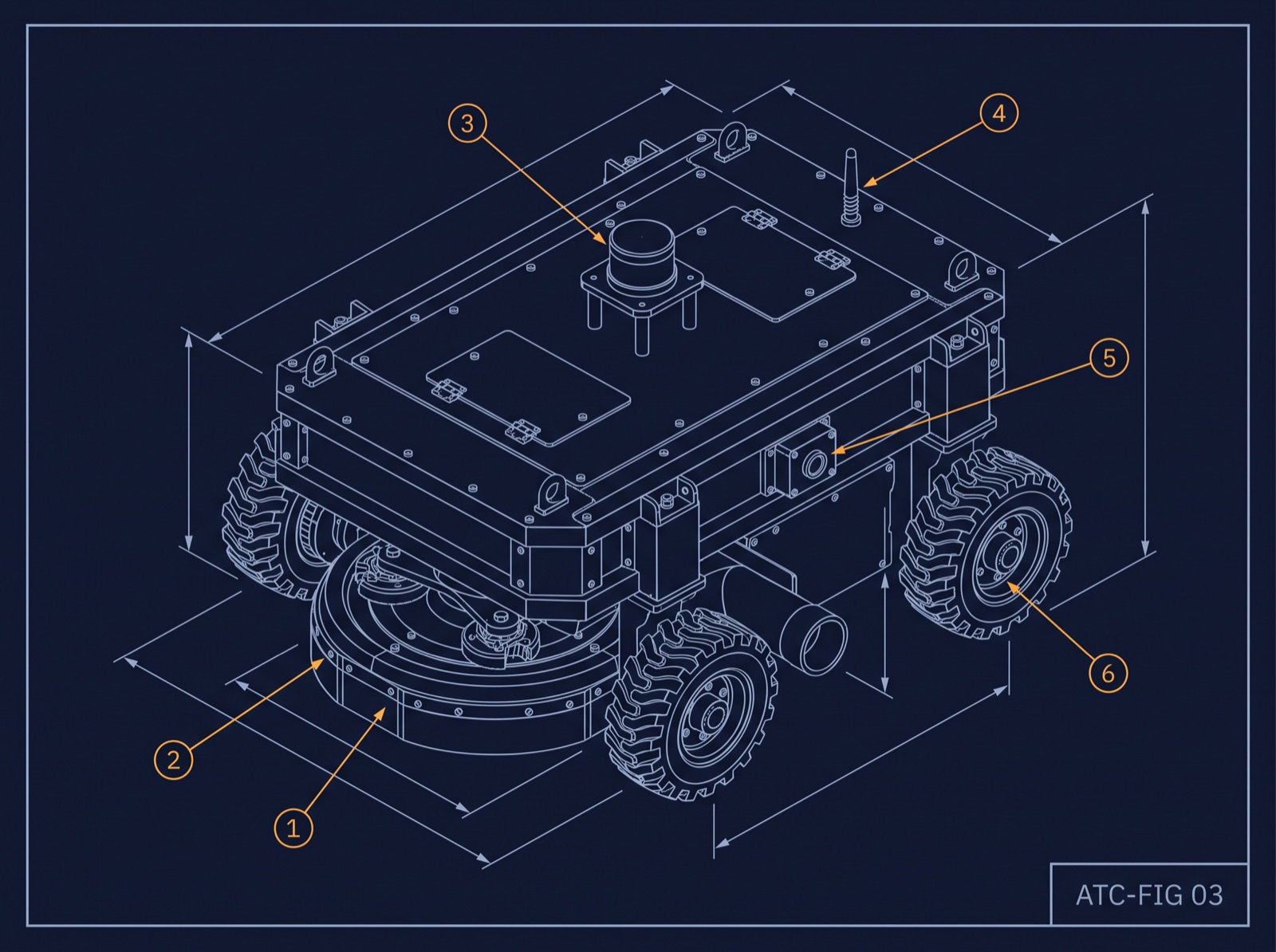
Machines at customer sites across several US states and Canada. Per-machine calibration that used to travel on USB sticks now ships through targeted channels with a full audit trail.
"We used to ask customers to bring robots to the parking lot for updates. Now we don't ask anything. It's just done by morning."
"The first time I pushed a fix and it landed on 40 machines before I finished my coffee, I realized how much time we'd been burning."
"Rollback being one step is the reason ops lets us ship weekly now."
What we hear before teams switch
You will, and then you will build it again when the fleet doubles and the first version breaks. Your best engineers are worth more on the robot. Keep your scripts, and let the foundation handle the parts that fail at scale.
No. It ships the artifacts you already produce, on Ubuntu, Jetson, x86, ROS 2, plain Docker, or Nix. Your images stay in your registry, and a push to the robot on your bench never leaves the room.
A dozen is when the spreadsheet starts lying. Install is one line, the first robots are free, and your test techs get their afternoons back on day one.
Everything exports in open formats at any time, and uninstall is one command. Your images, your configs, and your deployment history are yours, on the robot and off it. Nothing about your stack changes to adopt it, so nothing about your stack breaks if you leave.
Integrations, data, setup, and support. Anything else, reach us at mailbox@agencytool.com.
$atc help works-with
$atc help data
$atc help setup
$atc help offline
$atc help support
Ready when you are
Your first five robots are free during beta. No contract, cancel anytime, uninstall with one command.